SchoolsBuddy: Making a Parent Teacher Interview Booking

SchoolsBuddy: Making a Parent Teacher Interview Booking

Making a Parents Teacher Interview Booking

Click the on the Main Menu icon in the top left corner and then Activities & Clubs (this may be labelled differently depending on your School).
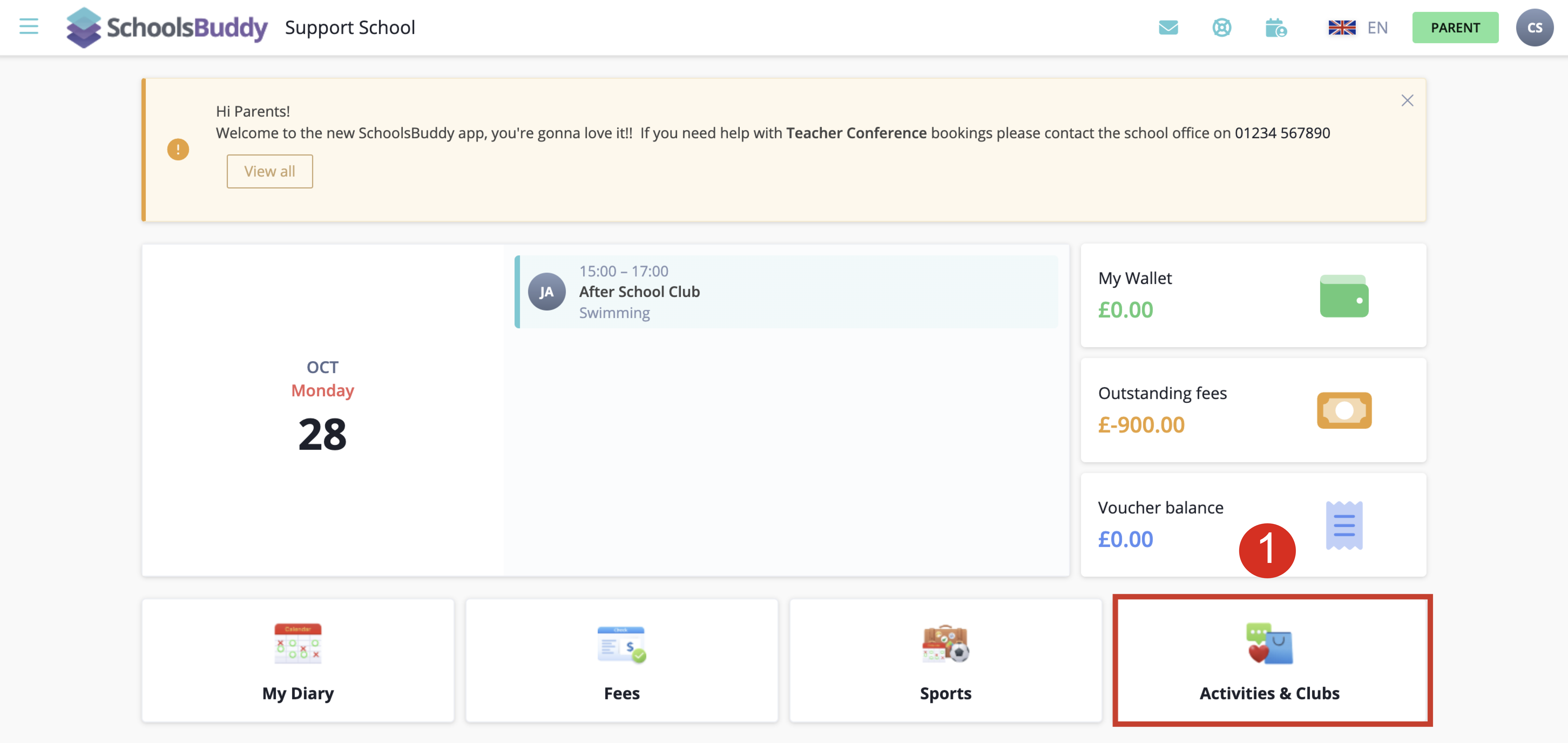
If necessary, you can filter the Type of signups to only show Parent Teacher Interview
Click Select for an available Parent Teacher Interview signup
Your child(ren) will be listed. If necessary, select the '+' tab to expand the time selections for your child. Only the teachers which are applicable for your child/children will be listed.
To book a time slot, select the time slot desired. When you book a time slot for one subject/teacher the same time slot will be blocked out for all the other parents so no double bookings can be made. Once you select a booking, it will appear on the right side of the screen.

If you want to change the time slot you have chosen, click on another time slot and you will see a warning message appear:
When the bookings have been selected, click the Check Availability button to book the time slots selected.
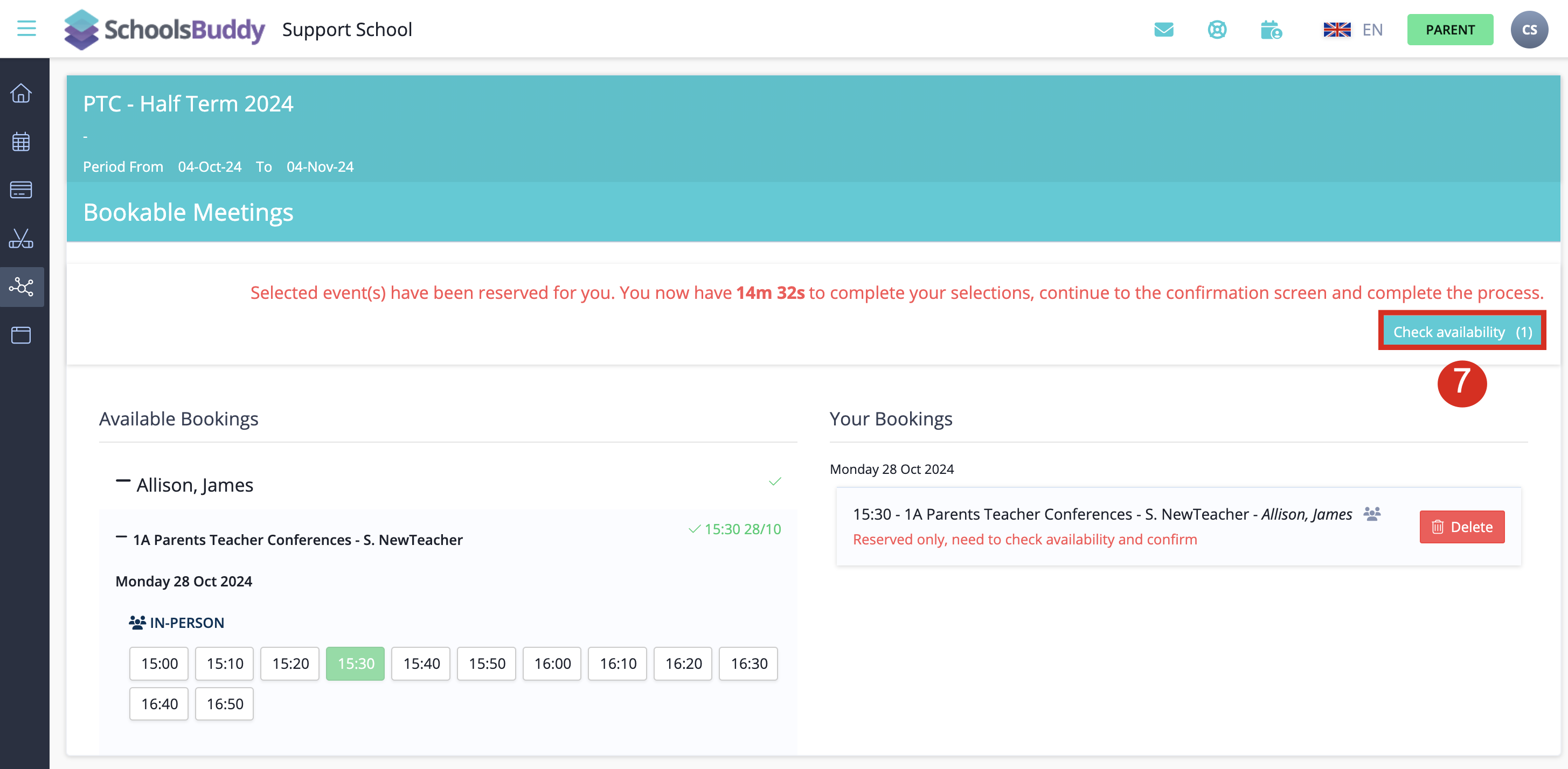
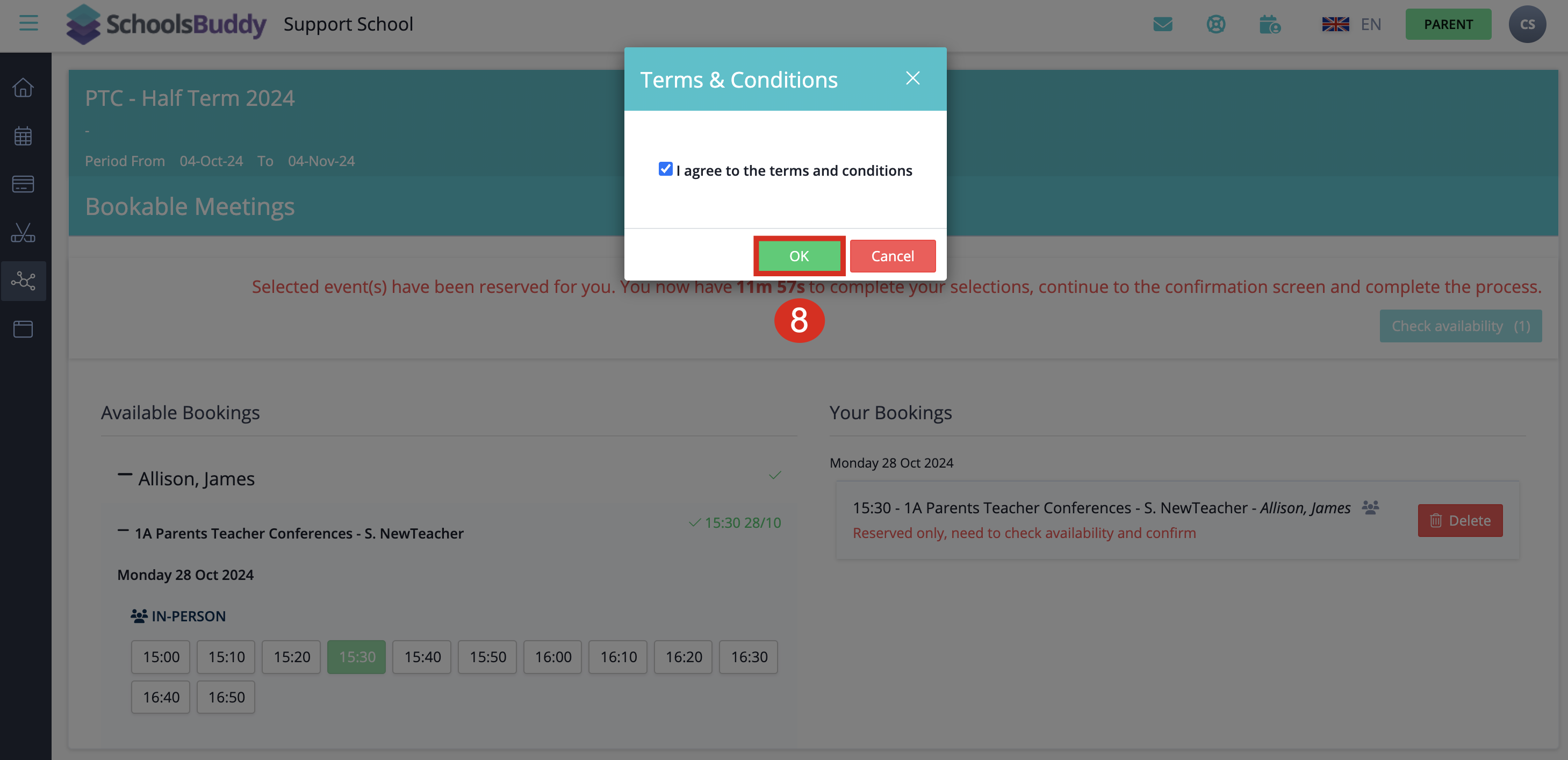
Agree to the Terms & Conditions.
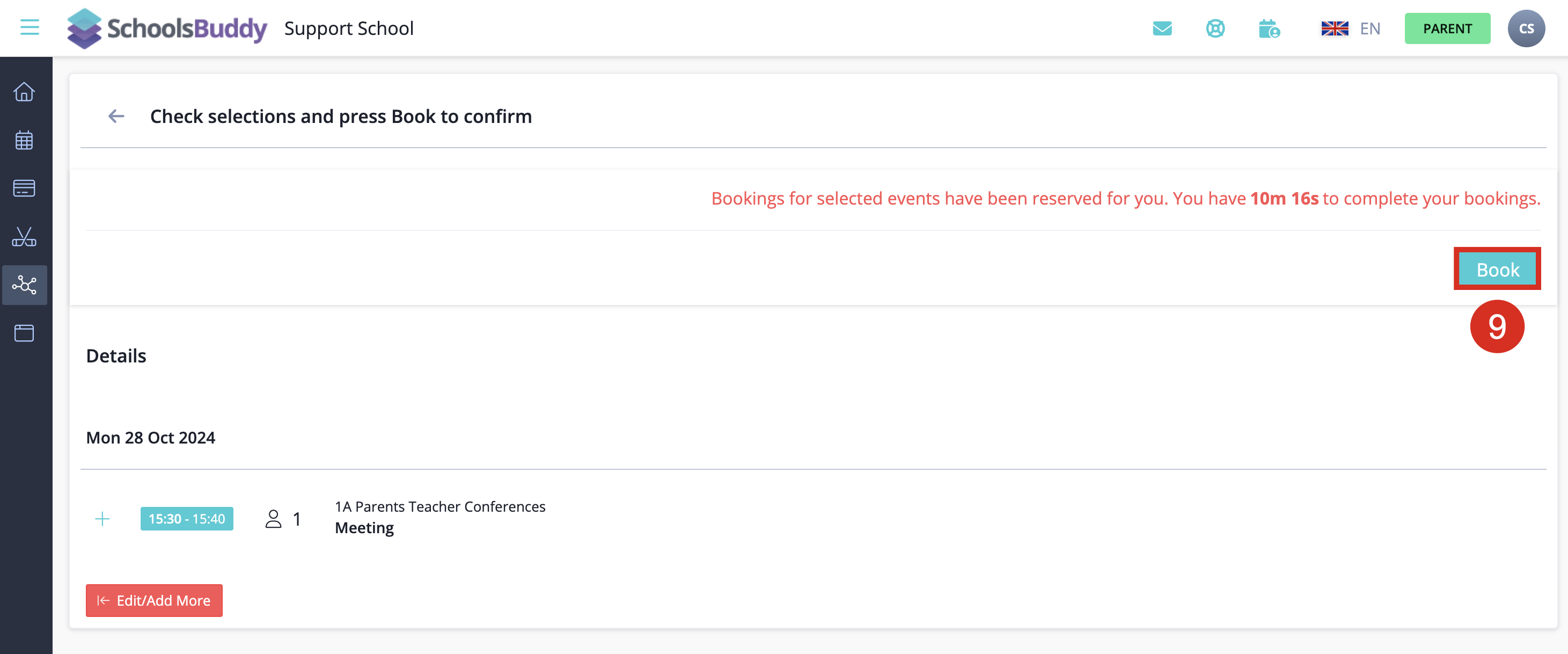
A summary of your time bookings will be displayed. Click the Book button to confirm the booking of the time slots.
A confirmation message appears and you will receive an email confirmation displaying the parent evening/parent conference bookings similar to the example below: 
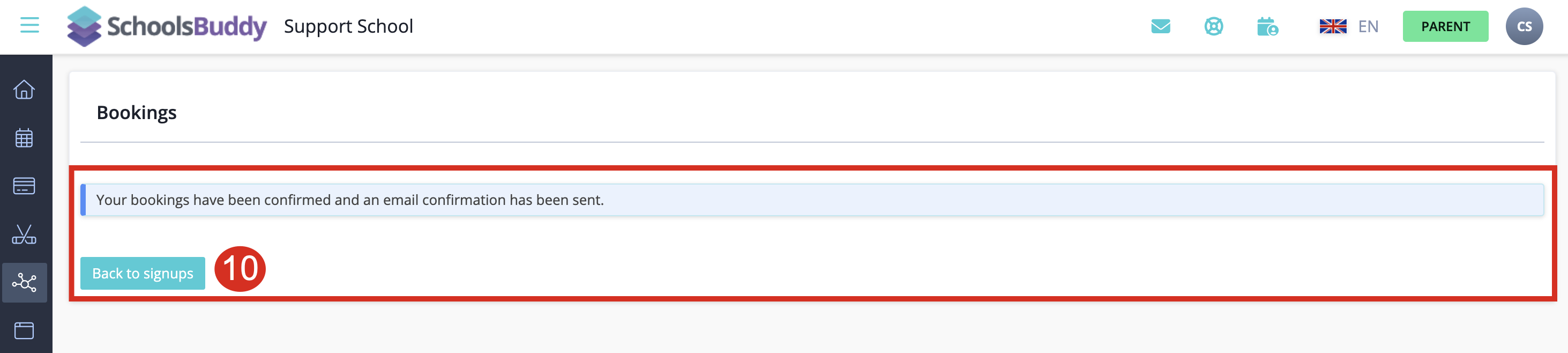
Screenshot 2024-10-28 at 12.20.30.png
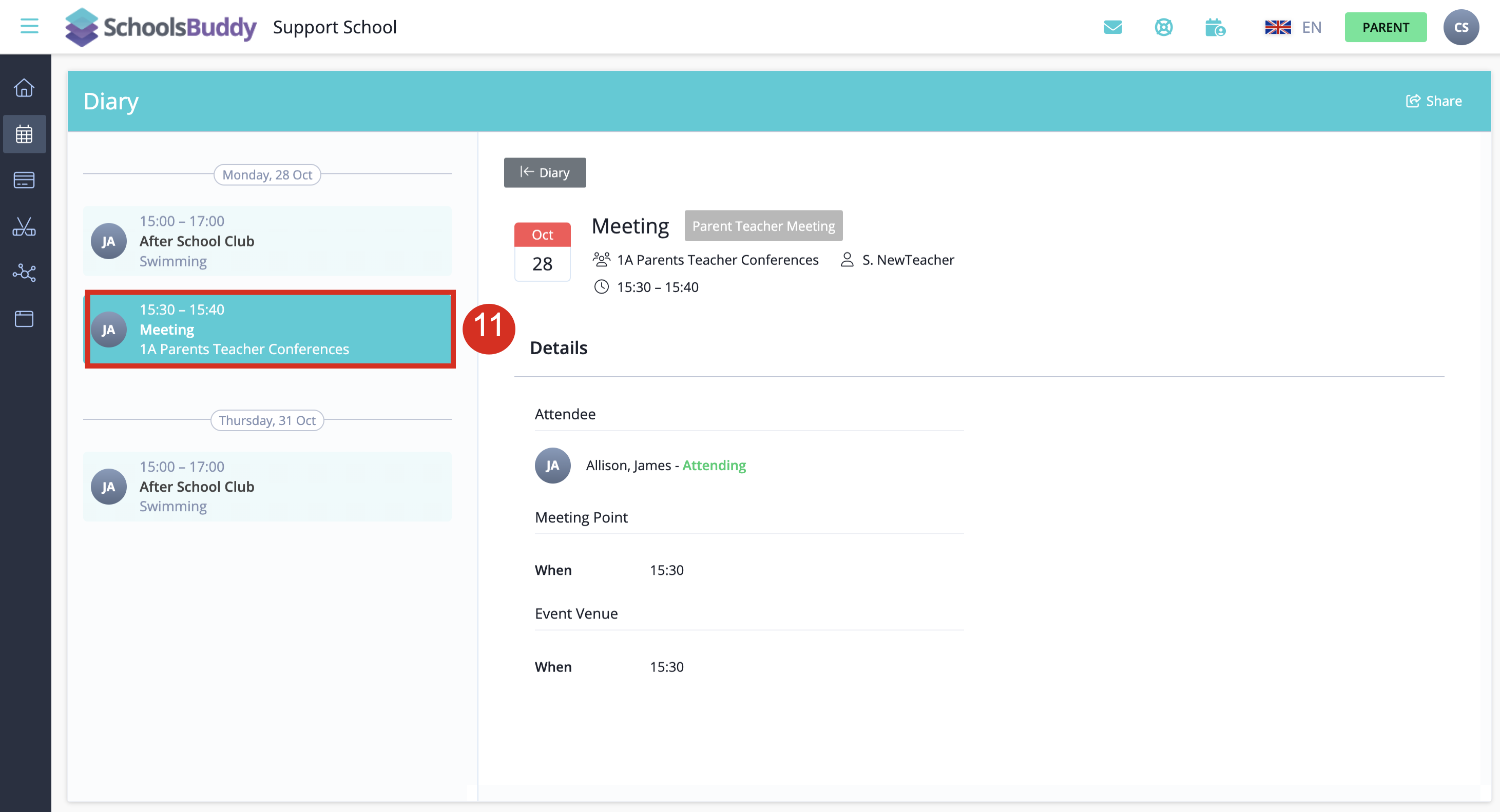
The events will also appear in your Diary.

    • Related Articles

    • SchoolsBuddy: Making a Payment for Extra Curricular Activities (ECAs) or School Trips

      ECA Payment in SchoolsBuddy Extra Curricular Activites (ECAs) are charged to parents in the 3rd week of Term. You will receive a reminder email which will include a payment link and additional details. Payments can be made securely via credit card ...
    • SchoolsBuddy: How do I login if I have forgotten my password?

      In SchoolsBuddy in order to reset your password go to https://aishk.schoolsbuddy.net/ then click "Forgotten Password" Following this, you will be taken to a screen like the one shown below. Enter the email address in which your SchoolsBuddy account ...
    • Assessment and Reporting

      We assess students continually throughout the school year in a variety of ways, including: Observation; Records of students’ work; Formal and Informal teacher-devised assessment; Standardised tests. We analyse this assessment information and use it ...
    • Extra Curricular Activities

      EXTRA-CURRICULAR ACTIVITIES (ECA) Extra-curricular activities (ECAs) are regular school-based activities outside the normal school timetable. We offer a full range of academic, art, sport, service and cultural activities. Through ECAs, we aim to: ...
    • Admissions Facts

      How early can I submit an application for my child? We accept applications two (2) years in advance prior to the expected year of entrance. For example, if your child is age appropriate for our Reception class in 2027, you may submit an application ...